Transformations API Overview
This overview will introduce Imgwire transformation URLs and the image operations available through the Transformations API.
Overview
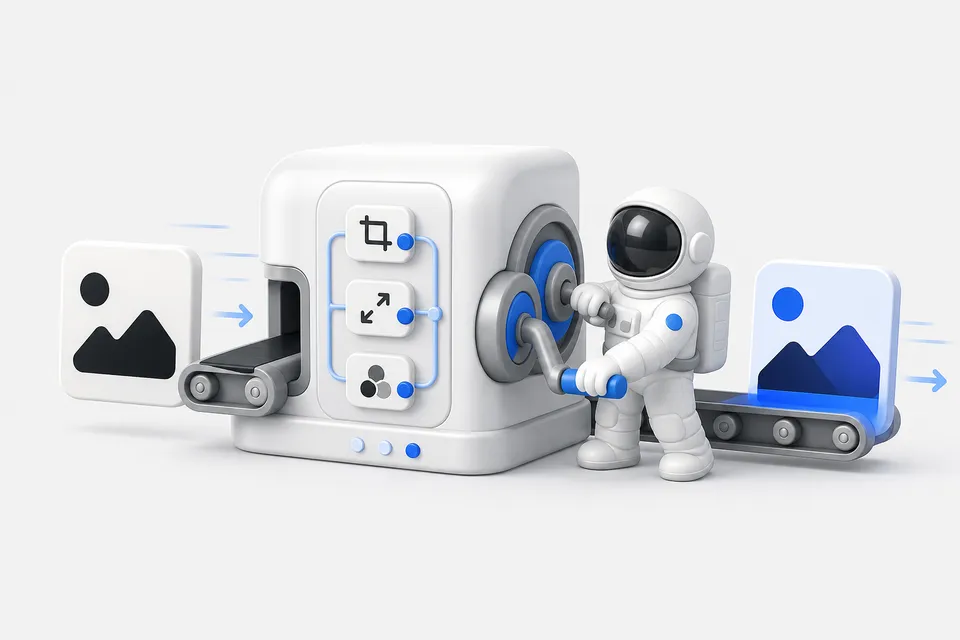
The Transformations API lets you request derived image variants from an Imgwire CDN URL. Use it to resize images, change output formats, adjust quality, crop to a layout, apply visual effects, add watermarks, strip metadata, and prepare images for different screens without changing the original uploaded file.
Transformations are useful anywhere your application needs multiple delivery variants from one source image:
- Product cards, avatars, thumbnails, hero images, and gallery layouts.
- Responsive image
srcsetvariants for different viewport sizes. - Browser-friendly output with
format=autoandquality=auto. - Social images, previews, and OpenGraph assets.
- Branded images with watermarks or text overlays.
- Generated images that need consistent sizing, cropping, or visual treatment before display.
How transformation URLs work
Imgwire transformations are requested through CDN URLs. A delivery URL starts with the image's CDN path, can include an optional preset suffix, and can include transformation query parameters.
https://cdn.imgwire.dev/{organization_id}/{environment_id}/{image_id}@medium?format=auto&quality=auto
Presets are path suffixes for common sizes:
| Preset | URL suffix |
|---|---|
thumbnail | @thumbnail |
small | @small |
medium | @medium |
large | @large |
Query parameters add or refine transformations:
https://cdn.imgwire.dev/{organization_id}/{environment_id}/{image_id}?width=1200&format=auto&quality=auto
If you are using an Imgwire SDK, prefer SDK URL helpers or rendering components over manually assembling URLs. Helpers keep transformation names, aliases, and values aligned with Imgwire's supported syntax.
image.url({
  width: 1200,
  format: 'auto',
  quality: 'auto',
});
Change formats and delivery settings
Use Format to request a specific output format or let Imgwire choose a browser-friendly format with auto.
?format=auto&quality=auto
Common delivery transformations include:
| Goal | Transformations |
|---|---|
| Let the browser receive an appropriate format | Format |
| Adjust compression | Quality |
| Generate progressive output where supported | Progressive |
| Control color profile handling | Color Profile, Strip Color Profile |
| Remove metadata from delivered variants | Strip Metadata |
| Tune chroma subsampling | Chroma Subsampling |
Use these options when you want smaller, browser-friendly delivery variants while keeping the original upload available for future transformations.
Resize, crop, and fit images
Use sizing transformations to adapt one source image to many layouts. The most common pattern is to combine Width, Height, and Resizing Type.
?width=800&height=600&resizing_type=cover
For crops, combine Crop with Gravity so Imgwire knows which area to keep.
?crop=400:300:attention
Useful sizing transformations include:
| Goal | Transformations |
|---|---|
| Set output dimensions | Width, Height |
| Prevent images from going below a size | Min Width, Min Height |
| Choose how images fit into a box | Resizing Type, Resizing Algorithm |
| Crop to a region or aspect ratio | Crop, Gravity, Zoom |
| Support high-density screens | DPR |
| Extend or pad canvas space | Extend, Extend Aspect Ratio, Padding |
Add effects and visual treatments
The Transformations API can also apply visual effects at delivery time. This is useful when your app needs consistent treatments for generated images, previews, galleries, or branded content.
Examples:
?duotone=020B10:2E38E6&format=webp
?blur=8&monochrome=true
Common visual transformations include:
| Goal | Transformations |
|---|---|
| Adjust tone and color | Adjust, Brightness, Contrast, Saturation, Hue, Lightness |
| Apply color effects | Duotone, Monochrome, Colorize, Negate, Normalize |
| Add image effects | Blur, Sharpen, Pixelate |
| Change orientation | Rotate, Flip |
| Add background treatments | Background, Background Alpha, Gradient |
Add watermarks
Use watermarks when delivered images need brand marks, attribution, labels, or repeatable overlays. Imgwire supports image-based watermarks, URL-based watermarks, text watermarks, and watermark placement options.
?watermark={watermark_image_id}&watermark_position=southeast:-24:-24:0.85
The Watermark transformation covers image watermarks and related watermark options such as URL-based overlays, text overlays, placement, sizing, rotation, shadows, opacity, and blending.
Use presets for common variants
Presets are a good starting point for repeated image sizes. Use them for common UI variants, then add additional transformations when a page needs more control.
https://cdn.imgwire.dev/{organization_id}/{environment_id}/{image_id}@medium
image.url({
  preset: 'medium',
  format: 'auto',
  quality: 'auto',
});
Use explicit width, height, crop, or quality settings when the layout needs exact dimensions or a specific treatment.
Best practices
- Prefer Imgwire SDK helpers, React components, MCP tools, or CLI URL generation before hand-building transformation URLs.
- Use presets for common sizes and explicit transforms for layout-specific variants.
- Use
format=autoandquality=autofor most public image delivery. - Store the original image ID when your app may need future transformations, deletion, metadata lookup, or alternate variants.
- Keep transformation URLs stable for repeated UI variants so the same requested variant can be reused.
- Choose crop, gravity, and aspect-ratio settings intentionally for images that appear in fixed-size cards, avatars, previews, or social layouts.
Common mistakes
- Assuming
format=autoor another transformation changes the original uploaded file. Transformations affect the delivered variant. - Hand-building complex URLs when an SDK helper or CLI command can generate the same URL more safely.
- Using only width or height for fixed-layout UI when the design actually needs crop or resizing-type behavior.
- Forgetting to account for high-density displays when generating image variants.
- Treating public CDN image delivery as private authorization. Do not put sensitive images on public delivery URLs unless your application model allows public access.
Related pages
- Using Preset Image Variants
- Responsive image variants using srcset
- Using Imgwire with
<picture> - Automatic Image Optimization
- Automatic Content Negotiation
Last updated at: May 9, 2026