Lightness
Use the lightness transformation to adjust perceived lightness in a delivered image variant.
Overview
Lightness can help harmonize images in repeated UI layouts, improve a background image before overlaying content, or create a lighter visual variant of generated artwork.
Syntax
| Field | Value |
|---|---|
| Canonical parameter | lightness |
| Alias | l |
| Accepted values | Number 0.01 through 10 |
Example
https://cdn.imgwire.dev/{organization_id}/{environment_id}/{image_id}?lightness=2.2
image.url({
  lightness: 2.2,
  format: 'auto',
  quality: 'auto',
});
imgwire images url img_123 --lightness 2.2 --format auto --quality auto
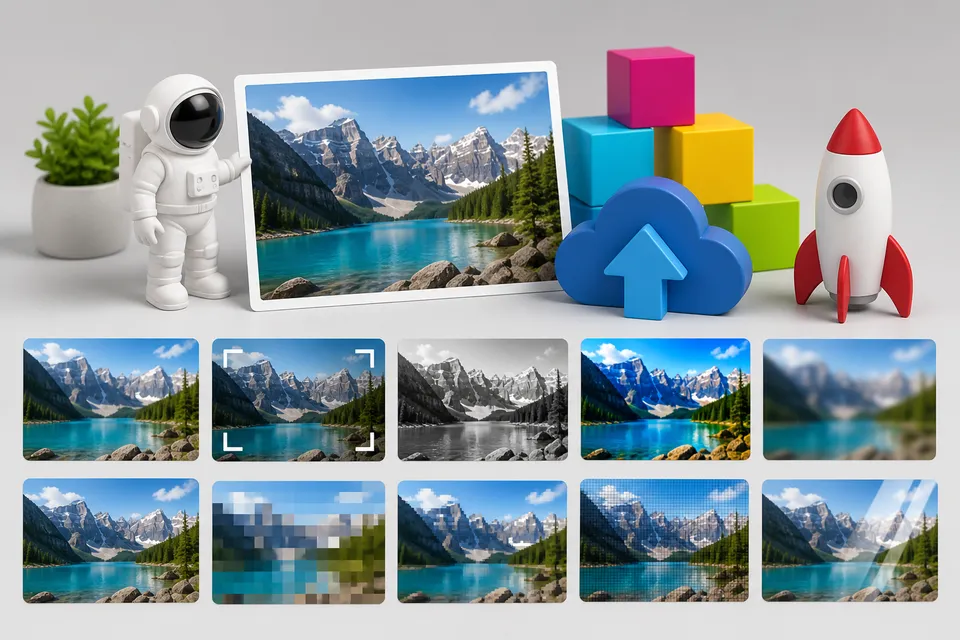
Before and after

Best practices
- Use lightness for broad perceived brightness changes.
- Use Brightness when you want direct brightness control.
- Test text overlays after changing lightness.
Common mistakes
- Increasing lightness until subtle image detail disappears.
- Treating lightness and brightness as interchangeable for every source image.
- Applying a lightness value without checking the rendered layout.
Related pages
Last updated at: May 9, 2026