Sharpen
Use the sharpen transformation to add edge clarity to a delivered image variant.
Overview
Sharpening can help resized images retain perceived detail, especially in thumbnails, product cards, and generated images that become slightly soft after resizing.
Syntax
| Field | Value |
|---|---|
| Canonical parameter | sharpen |
| Alias | sh |
| Accepted values | true, a sigma number, or an SDK object with sharpening fields |
Example
https://cdn.imgwire.dev/{organization_id}/{environment_id}/{image_id}?sharpen=4
image.url({
  sharpen: 4,
  format: 'auto',
  quality: 'auto',
});
imgwire images url img_123 --sharpen 4 --format auto --quality auto
Before and after

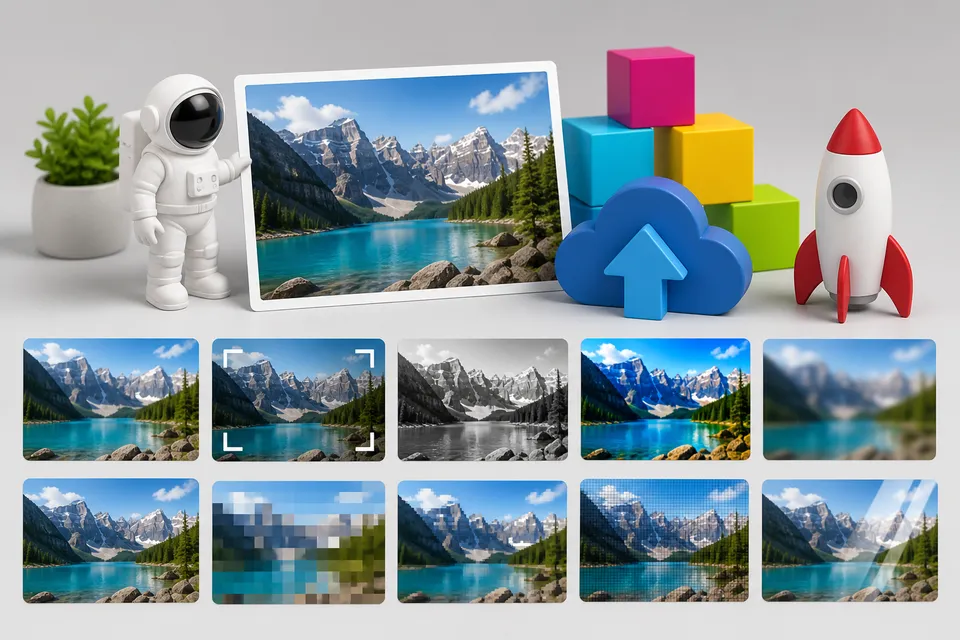
Best practices
- Use sharpening after resizing when smaller variants look too soft.
- Keep sharpening subtle for photos and product images.
- Test at the actual rendered size, not only in a full-size browser preview.
Common mistakes
- Oversharpening until edges look harsh or noisy.
- Using sharpen to compensate for a very low-quality source image.
- Applying the same sharpen value to every image type without visual review.
Related pages
Last updated at: May 9, 2026