Saturation
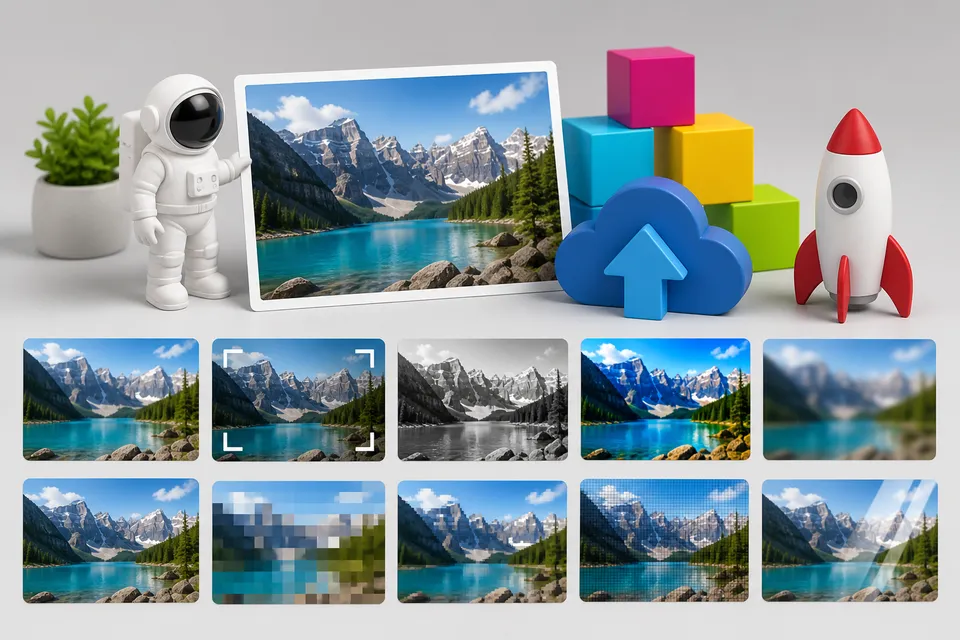
Use the saturation transformation to increase or reduce color intensity in a delivered image variant.
Overview
Saturation is useful for making generated images feel consistent, making thumbnails more vivid, or reducing color intensity in UI backgrounds and content previews.
Syntax
| Field | Value |
|---|---|
| Canonical parameter | saturation |
| Alias | sa |
| Accepted values | Number 0.01 through 10 |
Example
https://cdn.imgwire.dev/{organization_id}/{environment_id}/{image_id}?saturation=1.7
image.url({
  saturation: 1.7,
  format: 'auto',
  quality: 'auto',
});
imgwire images url img_123 --saturation 1.7 --format auto --quality auto
Before and after

Best practices
- Use small saturation changes for natural photos.
- Use stronger values for intentionally stylized generated images or marketing assets.
- Use Monochrome when you want to remove color entirely.
Common mistakes
- Oversaturating skin, skies, or product colors until they look inaccurate.
- Applying one saturation value to all content types.
- Using saturation when a brand-specific Duotone treatment would be clearer.
Related pages
Last updated at: May 9, 2026