Gradient
Use the gradient transformation to add a linear gradient overlay to a delivered image variant.
Overview
Gradient overlays are useful for hero images, text readability, branded treatments, and generated image variants that need a consistent visual layer at delivery time.
Syntax
| Field | Value |
|---|---|
| Canonical parameter | gradient |
| Alias | gr |
| Value syntax | color1,color2[,colorN][:angle[:opacity[:blend]]], or an SDK object |
| Defaults | Angle 180, opacity 1, blend over |
Example
https://cdn.imgwire.dev/{organization_id}/{environment_id}/{image_id}?gradient=00D084,2E38E6:135:0.75:overlay
image.url({
  gradient: {
    colors: ['00D084', '2E38E6'],
    angle: 135,
    opacity: 0.75,
    blend: 'overlay',
  },
  format: 'auto',
  quality: 'auto',
});
imgwire images url img_123 --gradient 00D084,2E38E6:135:0.75:overlay --format auto
Blend values
The optional blend value controls how the gradient layer composites with the image. Supported values are:
clear, source, over, in, out, atop, dest, dest-over, dest-in, dest-out, dest-atop, xor, add, saturate, multiply, screen, overlay, darken, lighten, color-dodge, colour-dodge, color-burn, colour-burn, hard-light, soft-light, difference, and exclusion.
For most documentation, marketing, and UI images, start with over, overlay, multiply, screen, darken, lighten, or soft-light.
Live examples
| Original | Green to blue overlay | Magenta to navy overlay |
|---|---|---|
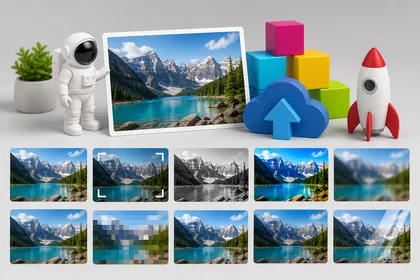 |  |  |
Best practices
- Use a lower opacity when the source image should remain subtle, or a higher opacity when the gradient treatment needs to be obvious.
- Use darker gradients when text will sit over the delivered image.
- Keep gradient URLs consistent across repeated image surfaces instead of hand-tuning every image.
Common mistakes
- Using a full-opacity gradient when the original image still needs to read clearly.
- Forgetting to URL-encode
#if you include hash-prefixed colors. - Applying a gradient overlay to images that already contain important color cues.
Related pages
Last updated at: May 9, 2026