Duotone
Use the duotone transformation to remap image shadows and highlights into a two-color treatment.
Overview
Duotone is useful for branded editorial images, generated assets, hero backgrounds, placeholders, and consistent content treatments. It is stronger and more controlled than a small saturation or hue adjustment.
Syntax
| Field | Value |
|---|---|
| Canonical parameter | duotone |
| Alias | dt |
| Value syntax | shadowColor:highlightColor or an SDK object with shadowColor and highlightColor |
Colors can use formats such as rgb, rrggbb, rrggbbaa, #rgb, #rrggbb, #rrggbbaa, or r:g:b[:alpha].
Example
https://cdn.imgwire.dev/{organization_id}/{environment_id}/{image_id}?duotone=E300FF:000080
image.url({
  duotone: 'E300FF:000080',
  format: 'auto',
  quality: 'auto',
});
imgwire images url img_123 --duotone E300FF:000080 --format auto --quality auto
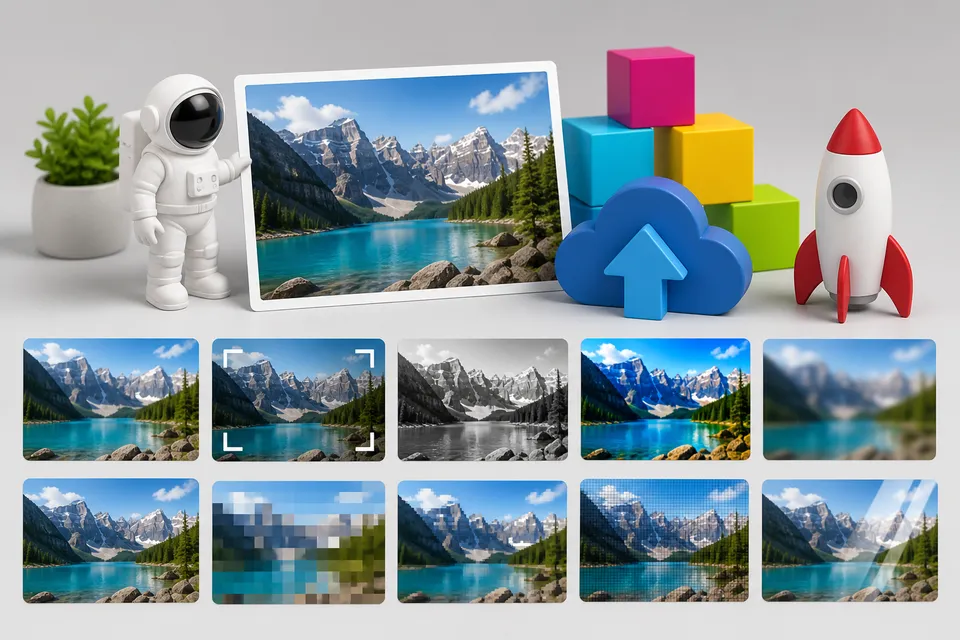
Before and after

Best practices
- Use duotone when images should share a consistent brand treatment.
- Choose shadow and highlight colors with enough contrast for the image role.
- Test duotone images behind text before using them as backgrounds.
Common mistakes
- Using duotone on images where color accuracy is important.
- Choosing two colors with too little contrast.
- Applying duotone to every image in a UI when only supporting imagery needs the treatment.
Related pages
Last updated at: May 9, 2026