Width
Use the width transformation to request a delivered image variant with a target pixel width.
Overview
Width is one of the most common Imgwire transformations. Use it for thumbnails, responsive image candidates, product cards, content images, and any layout where the browser should not download the full original image.
If you provide only width, Imgwire preserves the image's aspect ratio. Combine width with Height and Resizing Type when the output must fit a fixed box. Add Gravity when that fixed-size resize should keep an important region in view.
Syntax
| Field | Value |
|---|---|
| Canonical parameter | width |
| Alias | w |
| Accepted values | Integer 1 through 8192 |
Example
https://cdn.imgwire.dev/{organization_id}/{environment_id}/{image_id}?width=640&format=auto&quality=auto
https://cdn.imgwire.dev/{organization_id}/{environment_id}/{image_id}?width=256&height=256&resizing_type=cover&gravity=attention&format=auto&quality=auto
image.url({
  width: 640,
  format: 'auto',
  quality: 'auto',
});
image.url({
  width: 256,
  height: 256,
  resizing_type: 'cover',
  gravity: 'attention',
  format: 'auto',
  quality: 'auto',
});
imgwire images url img_123 --width 640 --format auto --quality auto
Live examples
Each image uses the same source with a different requested width.
| 320px wide | 640px wide | 960px wide |
|---|---|---|
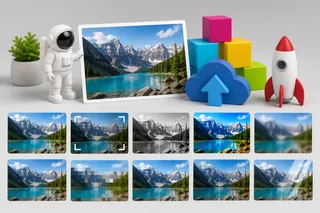 | 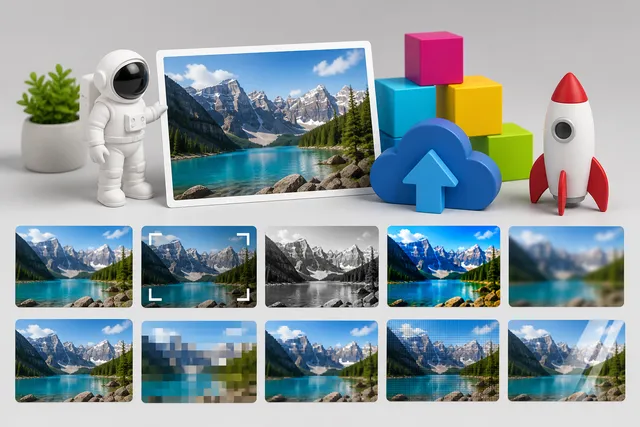 | 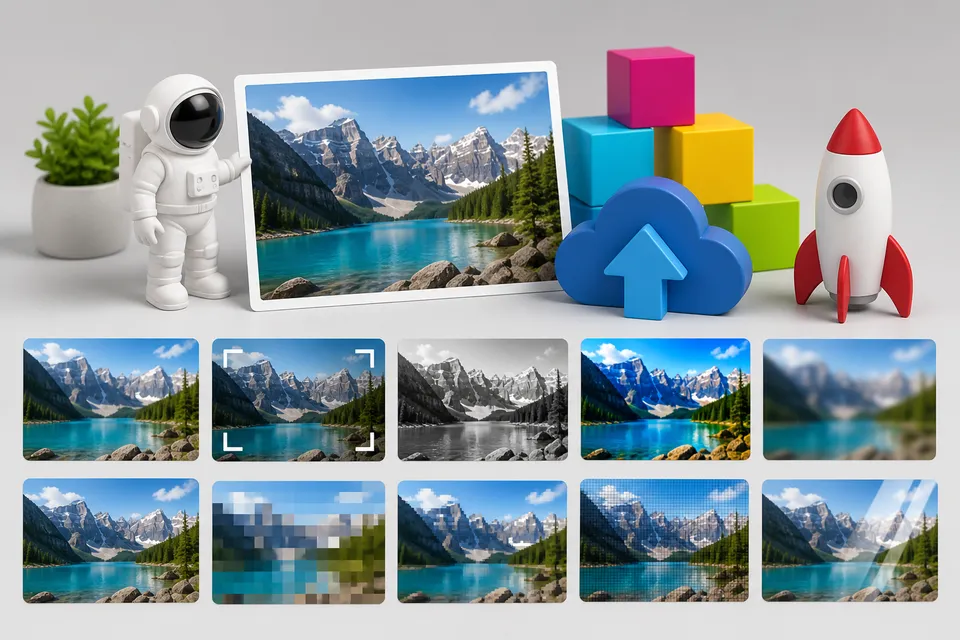 |
Best practices
- Use
widthto avoid sending oversized source images to smaller UI slots. - Generate a small set of stable widths for responsive image candidates.
- Pair width with
format=autoandquality=autofor public images. - Add
heightandresizing_typewhen a layout needs fixed dimensions. - Add
gravity=attentionto fixed avatar, profile picture, and thumbnail resizes when uploaded images may have off-center subjects.
Common mistakes
- Setting only CSS width and still delivering the full original image.
- Using a single large width for every screen size.
- Combining width and height without choosing a resizing type when exact layout behavior matters.
- Expecting
gravityto change a width-only resize; gravity matters when another option creates placement or crop-like behavior.
Related pages
Last updated at: May 10, 2026