Pixelate
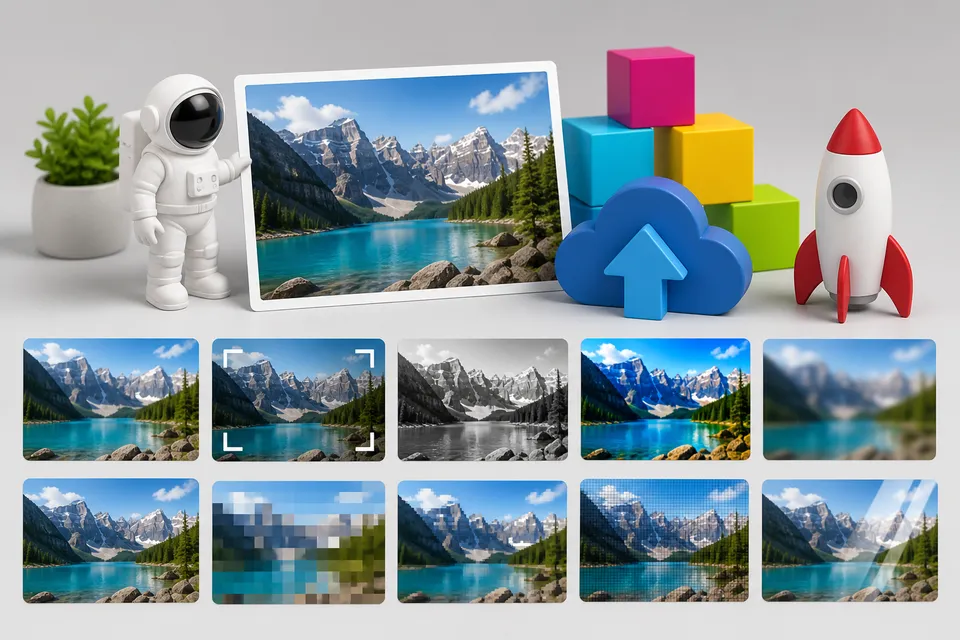
Use the pixelate transformation to create a blocky, reduced-detail delivered image variant.
Overview
Pixelation is useful for stylized effects, low-detail placeholders, and previews where the exact image content should be obscured while still preserving the broad composition.
Syntax
| Field | Value |
|---|---|
| Canonical parameter | pixelate |
| Alias | pix |
| Accepted values | Integer 2 through 256 |
Example
https://cdn.imgwire.dev/{organization_id}/{environment_id}/{image_id}?pixelate=24
image.url({
  pixelate: 24,
  format: 'auto',
  quality: 'auto',
});
imgwire images url img_123 --pixelate 24 --format auto --quality auto
Before and after

Best practices
- Use pixelate for intentional previews or visual style, not as a security boundary.
- Keep dimensions small for placeholder variants.
- Test the pixel size against the final rendered display size.
Common mistakes
- Treating pixelation as private authorization for sensitive images.
- Using a pixel value that is too subtle to communicate the intended effect.
- Combining pixelation with aggressive compression that makes previews harder to read.
Related pages
Last updated at: May 9, 2026